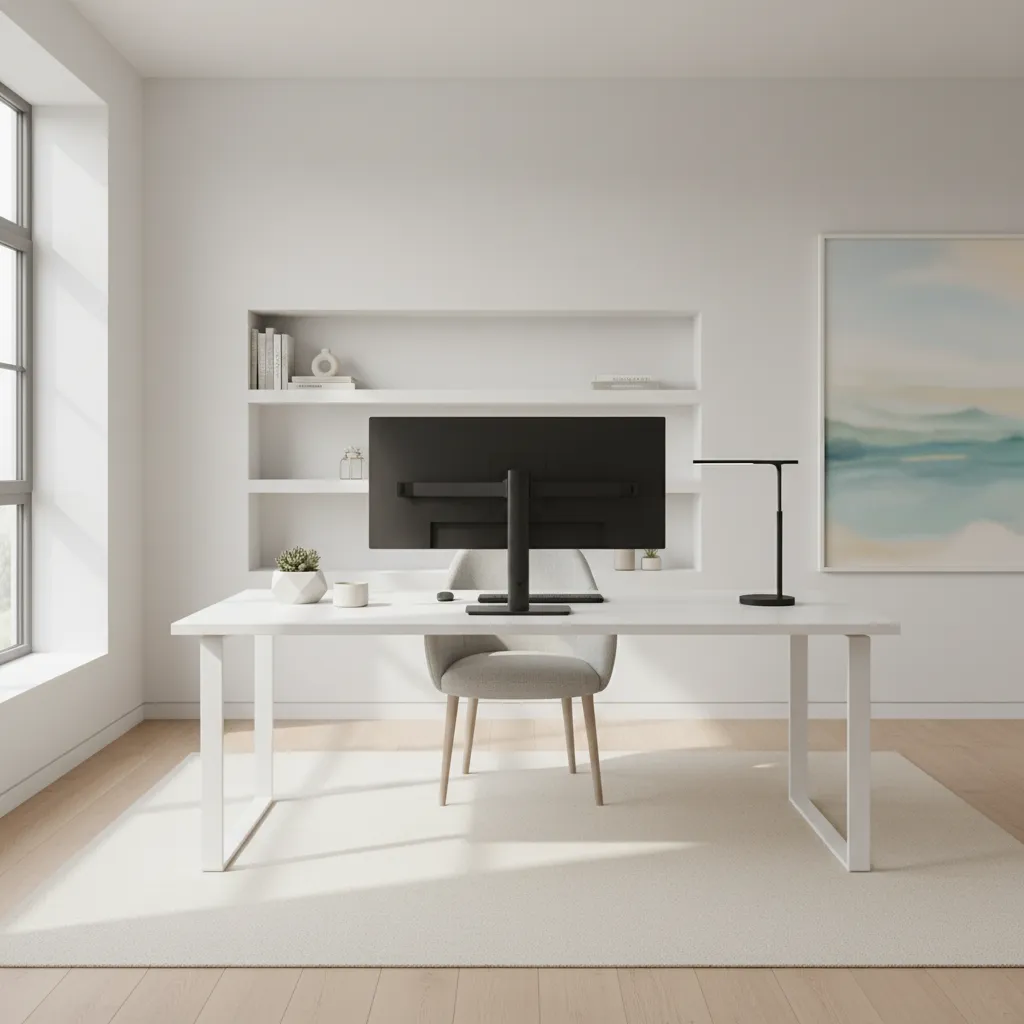
The Undeniable Value of Intentional Workspace Design
The modern professional landscape demands sustained cognitive effort, yet environmental factors often work against us. Open-plan offices, remote work settings, and personal device usage all contribute to an ecosystem of constant interruption.
Each interruption, no matter how brief, incurs a cognitive cost. Research shows that it can take an average of 23 minutes and 15 seconds to return to the original task after a distraction, illustrating the significant impact on productivity.
An intentionally designed workspace acts as a protective shield against this pervasive cognitive drain. It minimizes external stimuli that compete for your attention, allowing your mind to fully engage with the task at hand.
Beyond mere distraction avoidance, a well-structured environment signals to your brain that it's time to focus. This psychological priming reduces the effort required to initiate and sustain deep work sessions.
It supports the development of crucial work rituals, from the morning setup to the end-of-day shutdown. These routines build mental pathways for efficient task execution and consistent performance.
Ultimately, optimizing your workspace is an investment in your mental clarity, creative output, and overall well-being. It transforms a battle against distraction into a seamless flow of focused activity.
Evidence-Based Principles for Enhanced Focus
The concept of environmental influence on productivity is well-supported by psychological research. Studies in environmental psychology demonstrate how aspects like light, sound, and visual clutter directly impact cognitive performance.
The 'flow state,' coined by Mihaly Csikszentmihalyi, highlights that optimal experience and deep engagement occur when challenges match skills in a distraction-free environment. A well-designed workspace facilitates entry into this state.
Attention restoration theory suggests that exposure to natural elements or even images of nature can improve directed attention. Incorporating subtle natural cues into your workspace can have a positive effect.
Research on 'attention residue' confirms that even minor context switches leave remnants of the previous task in our minds, impairing performance on the next. A dedicated deep work setup helps minimize these transitions.
The principle of 'cognitive offloading' shows that externalizing information (like a well-organized to-do list) frees up working memory. Your workspace should support this by providing clear systems for information management.
Finally, the power of habit formation is critical. Consistent engagement with a specific, optimized workspace trains your brain to associate that environment with focused work, making task startup significantly smoother.
Realistic Benefits of a Frictionless Workspace
Implementing a well-designed workspace leads to tangible, measurable improvements in your daily output. The most immediate benefit is a noticeable increase in the quality and depth of your work, as fewer errors are made and insights are clearer.
You will experience faster task completion times. By eliminating common friction points and distractions, the time spent on administrative overhead or regaining focus is dramatically reduced, allowing for more productive hours.
Stress levels often decrease significantly. The constant mental battle against distractions and the feeling of being overwhelmed gives way to a sense of control and calm, knowing your environment supports your goals.
Enhanced creativity and problem-solving abilities emerge when your mind is free from constant interruptions. Deep work provides the mental space necessary for innovative thought and complex analysis.
Greater job satisfaction is a common outcome. When you can consistently produce high-quality work and feel competent in your tasks, your sense of accomplishment and engagement with your profession naturally increases.
Ultimately, a frictionless workspace translates into greater personal agency. You dictate how your attention is spent, rather than letting external stimuli or poorly structured environments control your focus.
Limits, Risks, and Common Misconceptions
While powerful, workspace optimization is not a magic bullet. It's crucial not to fall into the trap of believing that a perfect setup alone will solve all productivity issues without internal discipline and consistent effort.
One common misconception is that a productive workspace must be minimalistic or aesthetically perfect. The most effective setup is highly personal and tailored to individual preferences, not a one-size-fits-all ideal.
Another risk is 'setup perfectionism,' where individuals spend more time optimizing their environment than actually doing the work. The goal is utility and effectiveness, not endless tinkering.
Over-reliance on external tools without developing internal focus mechanisms can also be a pitfall. While tools help, the ultimate source of focus resides within, cultivated through practices like mindfulness and self-awareness.
The idea that a single, static workspace is always optimal can be limiting. Different tasks may benefit from different environments, and a dynamic approach to workspace utilization can be more effective than a rigid one.
Finally, confusing activity with productivity is a real danger. A highly organized desk might give the illusion of productivity, but true gains come from engaging in deep, meaningful work, not just arranging things neatly.
Practical Protocol for Designing Your Focus Zone
Begin by defining your 'deep work' hours and identifying the types of tasks you'll tackle during these periods. This clarity helps in tailoring your environment specifically for sustained concentration.
Establish physical boundaries for your workspace. Even in a shared environment, visual cues like a dedicated corner or specific lighting can signal a shift into focus mode. Remove all non-work-related items from your immediate field of vision.
Minimize auditory distractions. This might involve noise-canceling headphones, a 'do not disturb' sign, or even strategically placed white noise. The aim is to create a consistent, predictable soundscape.
Implement a 'task launchpad' system. Before starting a deep work session, ensure all necessary tools, documents, and resources are readily available, and all potential distractions (e.g., phone, social media tabs) are out of reach or closed. This setup reduces startup friction significantly.
Utilize a 'shutdown ritual' at the end of each work period. This involves tidying your physical and digital space, reviewing tomorrow's priorities using Productivity Hub tools ToDo, and planning your next deep work block. This ritual psychologically closes the day and prevents work thoughts from lingering.
Practice regular 'attention resets' throughout the day. These brief breaks (5-10 minutes) involve stepping away, perhaps taking a short walk, stretching, or engaging in a non-cognitive activity. This prevents mental fatigue and restores focus for the next session.
Timing, Dosage, and Adaptation for Sustainable Focus
The optimal timing for deep work varies significantly among individuals. Identify your personal 'peak hours' - when your energy and concentration are naturally highest - and schedule your most demanding tasks during these times.
Start with manageable 'doses' of deep work. If you're new to sustained focus, begin with 60-90 minute blocks and gradually extend them as your concentration stamina improves. Avoid immediate marathon sessions.
Integrate these focused blocks into your weekly planning. Reviewing your schedule and allocating dedicated time for deep work ensures it doesn't get pushed aside by urgent, but less important, tasks.
Adapt your workspace configuration based on the task at hand. A highly focused writing task might require absolute minimalism, while a brainstorming session could benefit from a whiteboard or more visual aids.
Regularly review the effectiveness of your setup and protocols. What distractions are still sneaking in? Are your rituals truly supporting your focus? Use a tool like Productivity Hub tools Data to track your focused time and identify patterns.
Be flexible and prepared to adjust. Life happens, and sometimes a perfect deep work session isn't possible. The goal is continuous improvement and adaptation, not rigid adherence to an unworkable ideal.
Leveraging Productivity Hub for Enhanced Workspace Flow
Productivity Hub is designed to integrate seamlessly with your optimized workspace, providing the digital infrastructure to support your focus rituals and execution systems. Its various tools are tailored to reduce friction.
Use Productivity Hub tools ToDo to meticulously plan your deep work sessions. Break down large projects into manageable tasks, assign them to specific deep work blocks, and mark them as 'focus required' to set clear intentions.
The 'Habits' feature within Productivity Hub tools Habits can be invaluable for establishing consistent workspace routines. Set up reminders for your shutdown rituals, attention resets, or even daily desk decluttering to reinforce positive behaviors.
Leverage Productivity Hub tools Data to track your deep work hours and identify productivity patterns. Monitor how effectively your workspace design correlates with your focused output, helping you refine your environment over time.
Consider using Productivity Hub tools AI for intelligent suggestions on optimal task sequencing or identifying potential digital distractions. While not directly designing your physical space, the AI can help manage your digital flow to complement your physical setup.
The 'Settings' within Productivity Hub tools Settings can be customized to minimize digital notifications during your scheduled deep work periods. Ensure only critical alerts reach you, supporting your uninterrupted focus within your prepared environment.
Common Mistakes to Avoid in Workspace Optimization
One frequent error is failing to define clear boundaries between work and personal life, especially in home offices. This blurs the mental distinction, making it harder to 'switch off' or 'switch on' focus.
Overlooking digital clutter is another significant mistake. A clean physical desk but a chaotic digital desktop or overflowing inbox can be just as distracting. Digital hygiene is as important as physical organization.
Ignoring personal preferences in favor of generic advice can lead to an ineffective setup. What works for one person's focus might be a distraction for another. Experiment and personalize your space.
Failing to maintain the workspace consistently undermines its effectiveness. A great setup on Monday morning can quickly devolve into a cluttered mess by Wednesday if not regularly maintained and reset.
Not communicating your 'focus needs' to others, especially in shared living or working environments, is a common oversight. Clear communication about your deep work blocks can prevent interruptions.
Believing that productivity is solely about working harder, rather than smarter, with an optimized environment. An inefficient setup forces you to expend more mental energy just to get started or stay focused.
Mini Quantified Case Studies
Case Study 1: Marketing Manager Reduces Context Switching. A marketing manager, struggling with constant interruptions, implemented a dedicated deep work zone and a strict 'no notification' policy for 3 hours daily. As a result, she reported a 30% reduction in context switching instances, leading to the completion of high-priority campaign analyses 2 days ahead of schedule.
Case Study 2: Developer Increases Uninterrupted Coding Time. A software developer redesigned his digital workspace, closing all non-essential tabs and using a single-purpose monitor for coding during dedicated blocks. His daily uninterrupted coding time increased by an average of 2 hours, directly contributing to a 15% improvement in sprint velocity.
Case Study 3: Writer Boosts Daily Word Count. A freelance writer, battling procrastination, established a 'launchpad' ritual for her writing desk, ensuring all research and outlines were pre-staged. This reduced her task startup time by 70%, boosting her average daily word count by 40% and making deadlines less stressful.
Case Study 4: Project Lead Streamlines Weekly Planning. A project lead adopted a consistent weekly planning ritual within a quiet, dedicated office corner. By implementing a digital 'shutdown ritual' on Fridays, he streamlined his planning process, saving approximately 5 hours per week previously spent on reactive task management.
Case Study 5: Startup Founder Optimizes Attention Resets. A startup founder integrated structured 10-minute attention resets every 90 minutes. By intentionally stepping away from her desk, she found that her post-reset focus quality improved by 25%, leading to clearer decision-making and reduced mental fatigue throughout her demanding days.
Frequently Asked Questions About Workspace Design
Q: Is a completely quiet room essential for deep work? A: Not always. While silence helps many, some individuals thrive with specific background noise like white noise or instrumental music. The key is consistent, predictable sound that doesn't demand attention, rather than absolute silence. Experiment to find what works for you.
Q: How often should I clean or reset my workspace? A: Ideally, a brief 'micro-reset' should be part of your daily shutdown ritual. A more thorough decluttering and organization might be beneficial weekly or bi-weekly, depending on how quickly clutter accumulates and your personal preference for tidiness.
Q: Can I effectively use multiple workspaces (e.g., home and office)? A: Absolutely. The principles of workspace design apply to any environment. The challenge is maintaining consistency in your rituals and setup across different locations. Try to replicate your core 'focus triggers' in each space.
Q: What about digital distractions? Are they more harmful than physical ones? A: Digital distractions, especially notifications and easy access to unproductive websites, are often more insidious due to their constant, pervasive nature. A clean digital environment (few tabs, clear desktop, notification management) is as critical as a clean physical one.
Q: How do I start small if a complete overhaul feels overwhelming? A: Begin with one small change. For example, dedicate 30 minutes each day to work on a single, important task with all notifications off. Or, commit to clearing your desk of all non-work items before starting your day. Gradual changes are more sustainable.
Sources & References
- 1
- 2
- 3